TikTok reaction images
Download highly expressive, custom-made reaction pictures for your social media replies. Click to copy captions or save image files directly.
Popular comment reactions
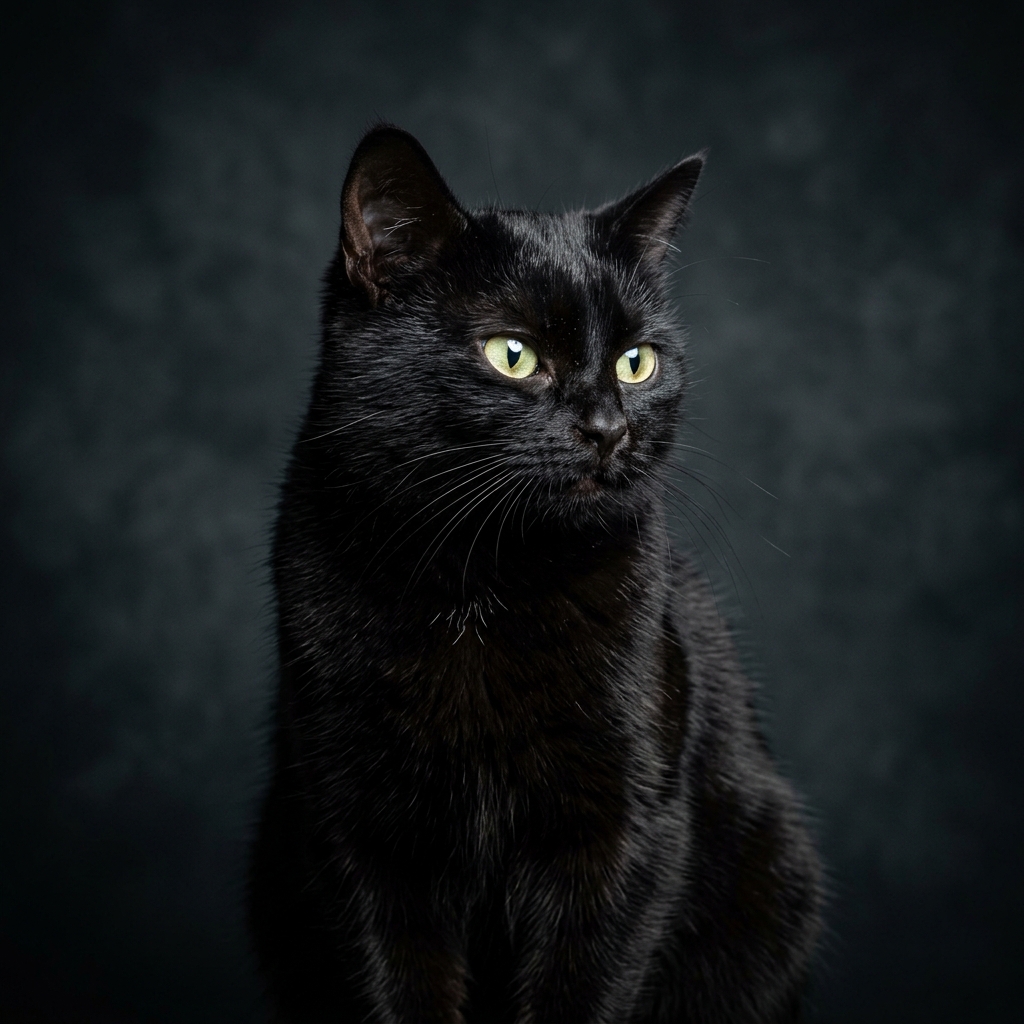
Suspicious Side Eye Cat
Perfect for expressing doubt, quiet judgment, or when a creator posts an obviously questionable take on your FYP.
"Me looking at this take like..."

Mind Blown Shocked Dog
Great for highlighting extreme surprise, mind-blowing facts, or when a video takes a completely unexpected plot twist.
"Wait... what just happened?"
The evolution of TikTok comment memes
Social platforms rely heavily on text comment structures, but text alone struggles to capture vocal inflections, micro-expressions, and physical gestures. This gap led to the rise of reaction images.
Early social conversations used simple ASCII characters like `:)` or `(o_O)`. As smartphone capability improved, standard system emojis became the default reaction shorthand.
However, system emojis carry a major limitation: they represent standardized, flat emotional states. A simple smiley face cannot represent specific layers of modern internet irony, playful skepticism, or deadpan sarcasm. High-definition reaction images solve this, bringing specific, relatable, character-driven expressions (like suspicious cats or shocked golden retrievers) into comment threads.
How to save and use these reaction images on your device
Using custom reaction files in social comments is simple on both mobile phone platforms and desktop devices. Follow these steps:
- Save the file: Click the Save button on any card above to download the high-definition image to your system storage. On mobile, you can also long-press the graphic and select Add to Photos.
- Copy the caption: Click the Copy Caption button to save our recommended text tag directly to your clipboard.
- Post to comments: Open the TikTok application, tap the comment input field, select the photo upload icon, choose the saved reaction image from your camera roll, and paste the copied caption.
Frequently asked questions
Why can't I see the image attach button in comments?
TikTok rolls out comment photo attachments incrementally across different regions and operating system versions. If you do not see the picture icon, the feature may be temporarily restricted in your country or disabled by the video creator.
Can I use these memes on other applications like Discord?
Yes. The downloaded files are standard PNG images, making them fully compatible with Discord, Slack, WhatsApp, X, and other messaging portals.
Do I need to attribute the website when using these pictures?
No attribution is required. You are free to share, modify, and post these reaction images across any digital platform.