MP4 video
Save a supported public video in a browser-friendly video format.
Public video download tool
Paste a public TikTok link to check available no-watermark video and audio files.
File options depend on the public source. Private, deleted, and restricted posts are not available.
Looking for a TikTok viewer downloader? Start with the TikTok Viewer to find a public profile, then paste a specific video or photo link here. Profile links are not download requests.
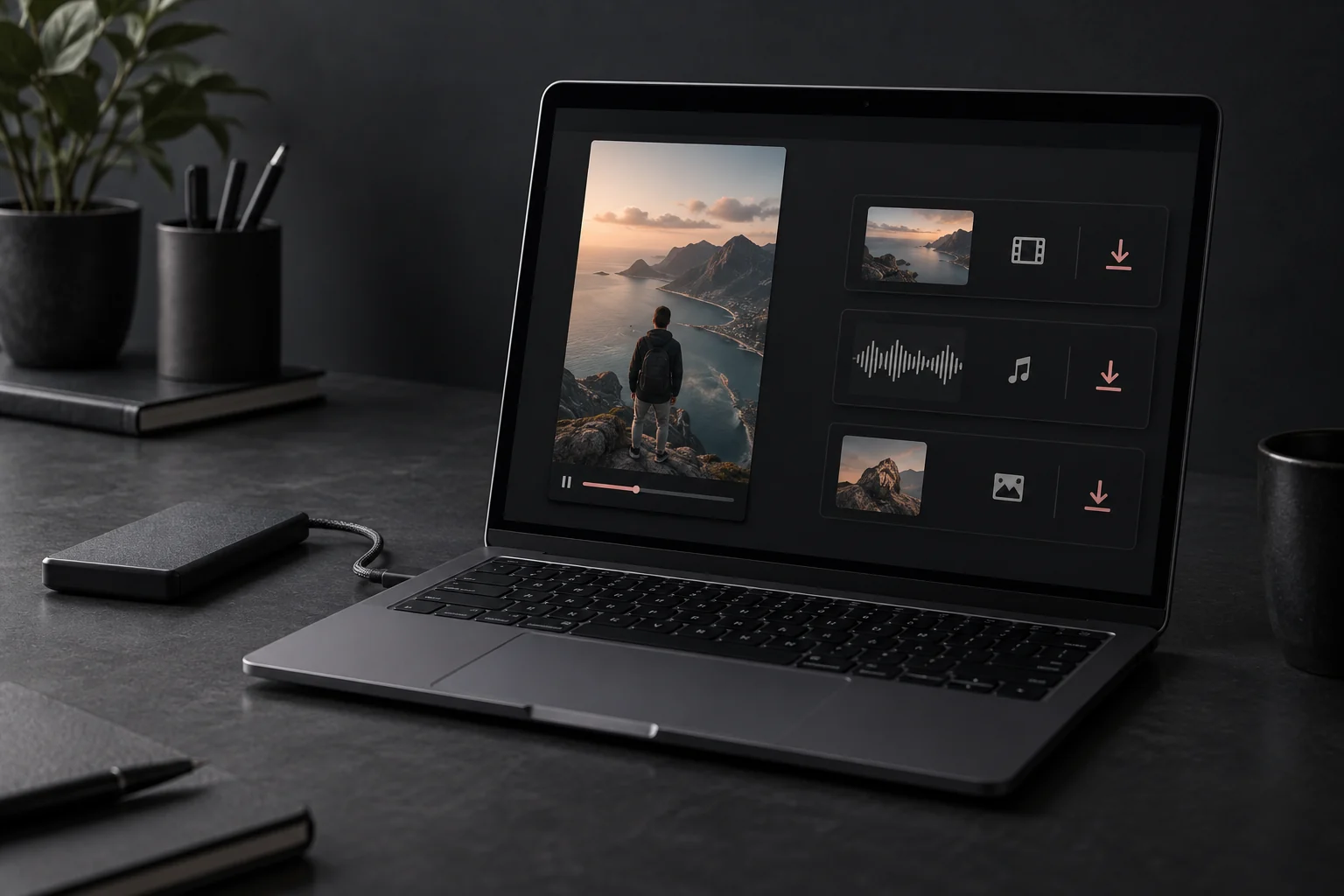
Yes, when the public post exposes a clean source file. Paste the video URL and TTViewer will show the formats currently available for that post. Some links may provide only a watermarked file, a single video format, or no downloadable source.
Paste a complete video or photo URL, a supported TikTok short link, or copied share text containing a post URL. TTViewer resolves one specific public post before showing file options.
tiktok.com/@username/video/...Opens the matching public video detail page.
vm.tiktok.com, vt.tiktok.com, or t.tiktok.comFollows the public redirect, then opens the matching post when it can be resolved.
tiktok.com/@username/photo/...Opens the public post detail page; image options depend on the media returned.
Text containing one TikTok post URLExtracts the first supported post link from the copied message.
Links to private, deleted, restricted, or malformed posts cannot be resolved into downloadable media. Profile links and usernames are rejected because they do not identify one downloadable post.
Save a supported public video in a browser-friendly video format.
Open an audio-only option when the public post provides a compatible source.
Use the same tool on desktop, tablet, iPhone, or Android without an extension.
Open a public TikTok post and use Share, then Copy link.
Action 1Return to TTViewer and paste the complete video URL into the field above.
Action 2Open the MP4 or audio option shown for that public post and save it with your browser.
Action 3TTViewer does not erase a watermark from an already rendered file. It checks the public media sources available for the post and prefers a clean video source when one is exposed. If that source is missing, the post may offer only a watermarked video, audio, images, or no downloadable file.
Resolution and file size come from the available source. The downloader does not upscale a low-resolution video or recreate a deleted original.
Use Safari or another modern browser. After the file request starts, check Safari Downloads and the Files app. Your iOS sharing options determine whether a compatible video can also be saved to Photos.
Use Chrome or another modern browser. Completed files normally appear in the browser download list, the notification shade, or the device Downloads app.
The file normally goes to the download folder configured in your browser. Use the browser downloads menu if the file opens in a new tab or the save did not start automatically.
A browser may ask for permission, open the media in a new tab, or block repeated file requests. Check the browser download indicator before submitting the same link again.
The creator or platform has not made the media publicly available.
The original post or source file is no longer available.
The public source may not be served in your current region.
Some photo posts, live content, ads, or newer post types need a different tool.
Shortened, incomplete, or copied text may not resolve to a single public video.
TikTok can change how public media is delivered. Trying again later may help.
Copy the public TikTok video URL, paste it into the downloader, and open the available file options. A clean MP4 is shown only when the public source provides one.
Yes. The downloader works in modern mobile browsers. On iPhone, check Safari downloads and the Files app. On Android, check the browser download list or the Downloads app. Browser and device settings determine the final save location.
Audio options appear when a compatible track is available from the public post. Not every video exposes the same formats.
No. TTViewer is browser-based and does not require a TikTok login, software installation, or browser extension.
The post may be private, deleted, restricted in your region, unsupported, or temporarily unavailable. An incomplete URL, changed username, browser download block, or expired security check can also interrupt the flow.
Downloading a file does not transfer copyright or permission. Keep creator attribution and obtain permission before reposting or using someone else's work commercially.
Shared links using vm.tiktok.com, vt.tiktok.com, or t.tiktok.com can be resolved when the redirect still points to a valid public post. If a short link has expired or is incomplete, copy the full post URL instead.
The browser chooses the save location. Mobile files usually appear in the browser download list or device Downloads area. Desktop files normally go to the folder configured in your browser settings.